

Guide for students
Find a class, enrol, study, join live sessions and book one-on-one time with a teacher.
Who this guide is for
You are a student. This guide shows you how to find classes, enrol, study your lessons, take part in live sessions and book one-on-one time with a teacher.
Before you start
Open your organisation's site and select Sign In.
Enter your email and password, then select Sign In. You arrive on Learn.
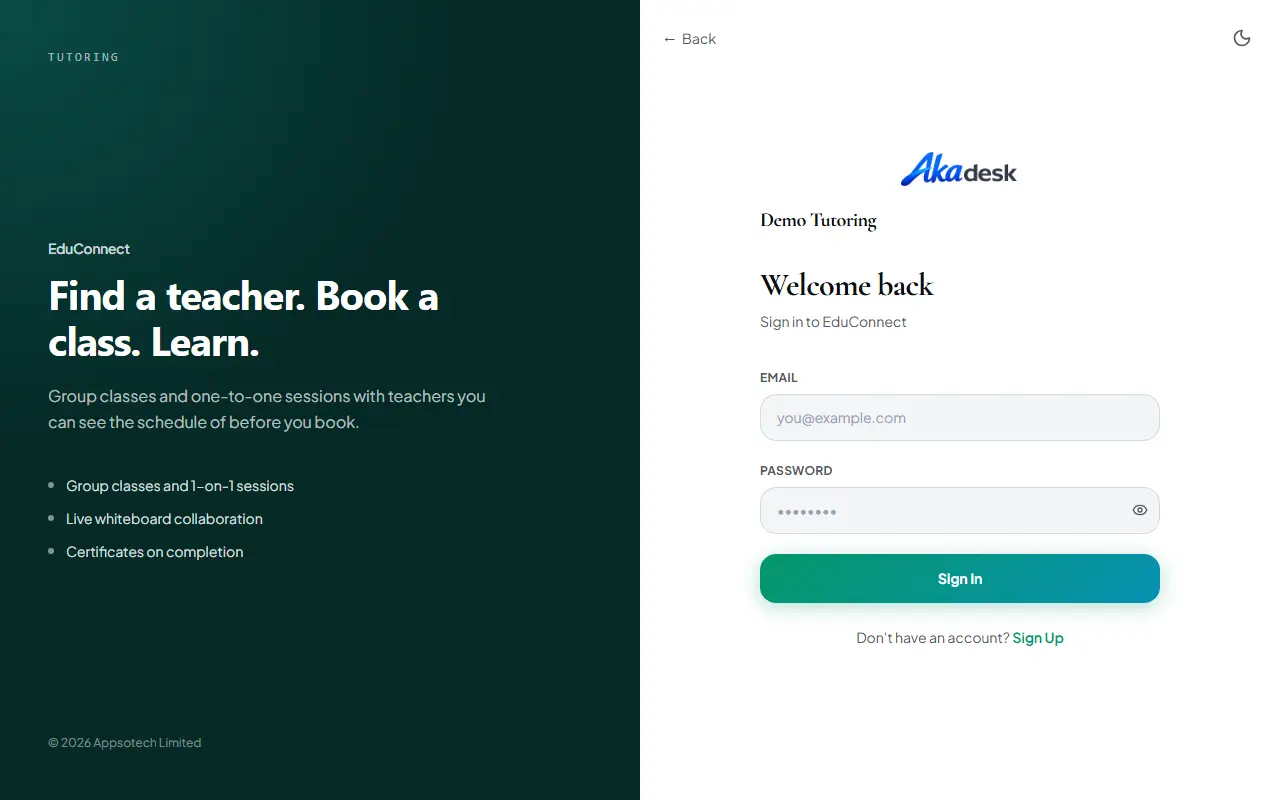
If you do not have an account yet, select Sign Up, choose Student and complete the form.
Discover classes
On Learn you can:
Search, or use the filter chips: level groups, FREE and LIVE.
Browse the rows of classes, such as Trending, Top Rated Teachers and Live Now, and the Browse by Subject grid.
Select a class to open its page, or a teacher to open their public page.
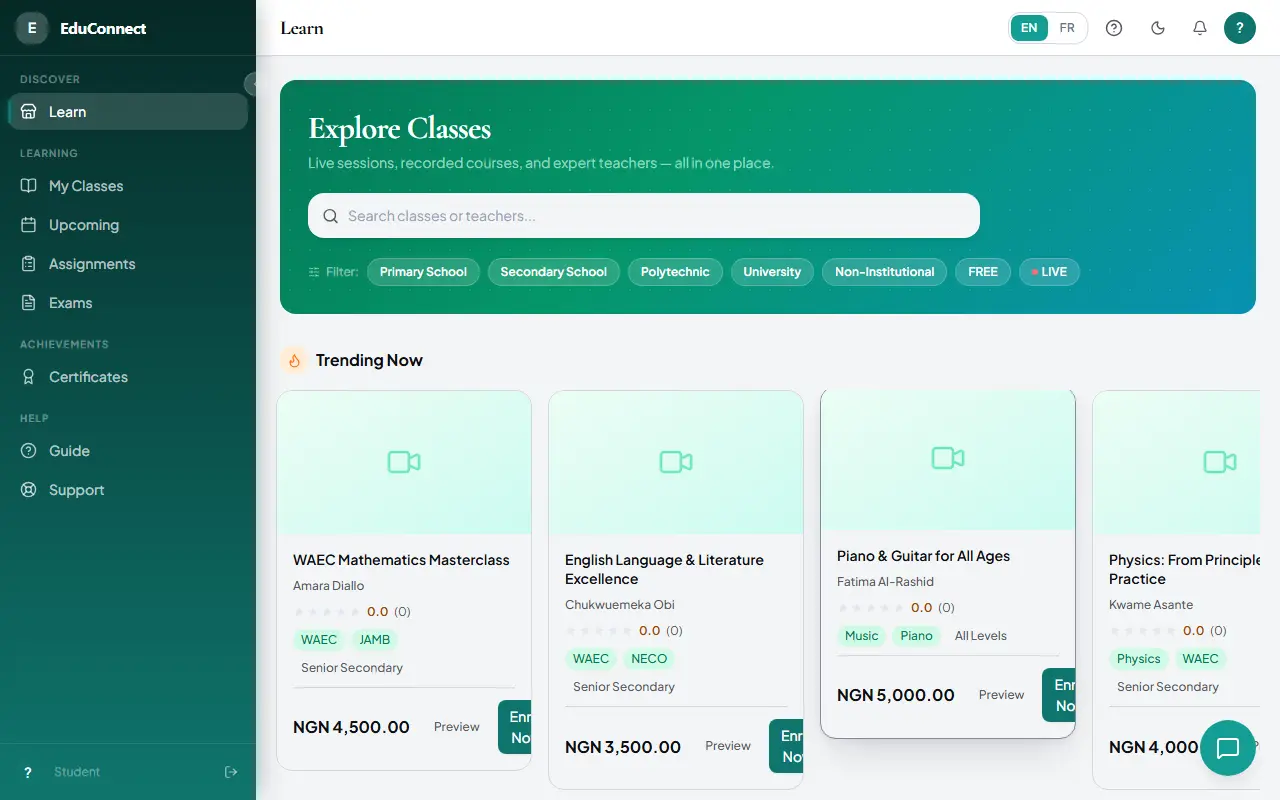
Enrol in a class
Open the class page, read its tabs and its price, then:
Free class: select Enrol Now (Free). You are enrolled at once and taken to My Classes.
Paid class: select Pay & Enrol, choose a payment method and complete the secure checkout. You return to My Classes, and the class appears once your payment is confirmed.
Subscription class: select Subscribe. You are billed on a repeating schedule. Depending on the payment method, renewals are charged automatically or you receive a link to pay again near each renewal date. Manage or Cancel a subscription at any time from My Classes. Cancelling keeps your access until the end of the period you have paid for.
Study your classes
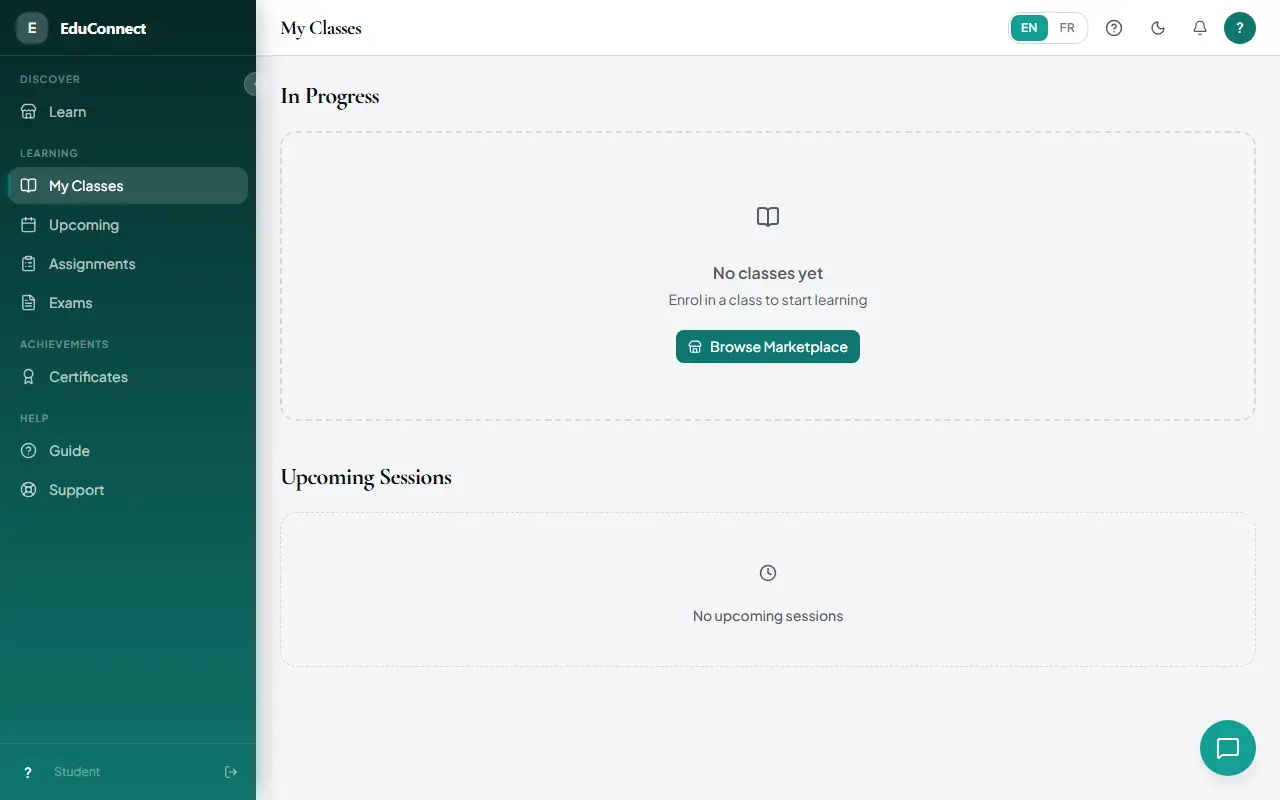
Open My Classes to see your enrolments, each with a progress bar and a Continue button that takes you to your next lesson. A badge and a Join button appear when a live session is about to start.
Lessons: watch the video, follow the course contents in the sidebar, download materials and post in the lesson discussion.
Assignments: open an assignment, submit a written answer and/or a file, then come back to see your grade and feedback.
Exams: start an available exam. It is timed and shows one question at a time. Submit it, then review your results.
Certificates: a certificate is issued automatically when you complete a course. Download it as a PDF or share it.
Attend live sessions
Open Schedule to see upcoming sessions grouped by date. Use This Week, This Month and All to filter, and switch between the list and the calendar.
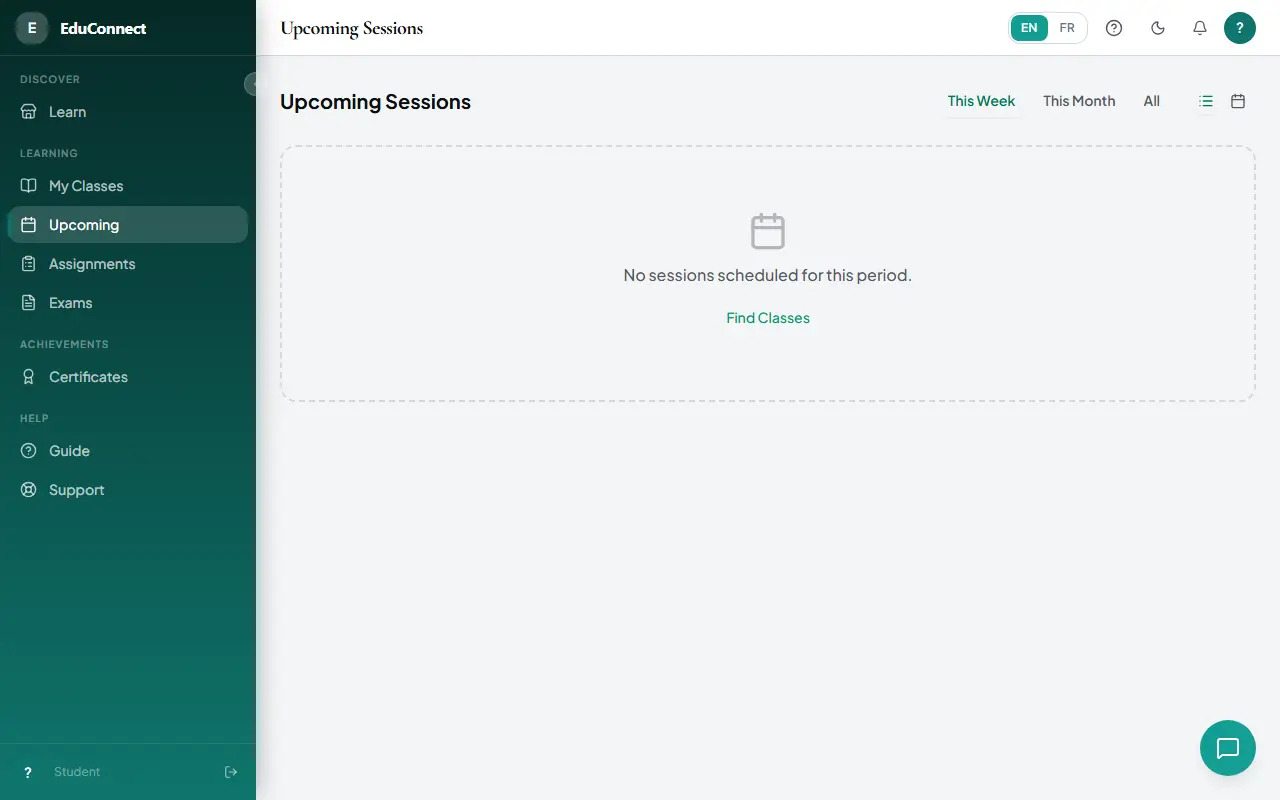
A Join Now button appears a few minutes before a session starts. Sessions built into the platform open in the app; external ones open in a new tab.
Book a one-on-one session
From a class, select Book a Slot.
Choose an available slot, free or priced, and select Book. You receive a booking reference.
At the scheduled time, open My Bookings and select Join meeting. Afterwards you can select View recording if one exists.
Tips and common questions
I paid but the class is not in My Classes. Wait for the payment to be confirmed, then refresh the page. If it still does not appear, contact support.
Where is my certificate? Under Certificates, once you have completed the course.
Getting help
Open Guide or the help (?) icon in the app for step-by-step help, or ask the AI assistant. It knows your classes, progress, assignments and upcoming sessions, and can explain how to do anything on the platform.
Try it yourself in the live demo.